
The Legends Pro T20 League brings legendary cricketers back to the ground in an exciting T20 format. Promoted by the SG Group, the first season will be played from January 26 to February 4, 2026, at the 1919 Sportz Cricket Stadium in Goa.
Tickets are available online and can be booked easily in advance. If you want to watch cricket legends play live, book your Legends Pro T20 League tickets early and enjoy the action from the stadium.
Where to Book Tickets for the Legends Pro T20 League
Fans can easily book tickets for the Legends Pro T20 League online through BookMyShow. By visiting the BookMyShow website or mobile app, users can select their preferred match date, seating category, and number of tickets in just a few steps.

Seating is available on a first-come, first-served basis. With all matches scheduled at the 1919 Sportz Cricket Stadium in Goa, fans can plan their visit in advance and enjoy watching legendary cricketers live.
Ticket Price for the Legends Pro T20 League
Each ticket is valid for one person only. Seating is not reserved and will be provided on a first-come, first-served basis, so early arrival is recommended to get a preferred seat.
| Ticket Category | Price |
|---|---|
| Gallery C | INR 499 |
| Gallery B | INR 499 |
| Gallery A | INR 499 |
| Gallery D | INR 499 |
| Hospi Box 2 | INR 3,499 |
| Hospi Box 1 | INR 3,499 |
How to Book Tickets for the Legends Pro T20 League
Here are the simple steps to book the tickets for the Legends Pro T20 League.
Step 1: Open the BookMyShow website on your browser or download the BookMyShow app on your mobile device. Log in and search for the World Legends Pro T20 League.
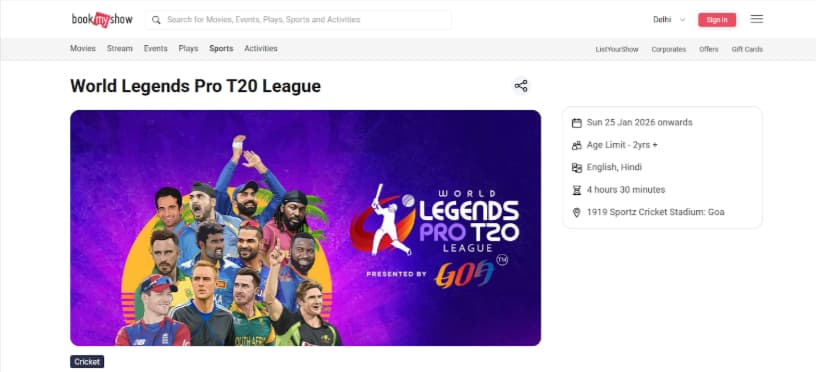
Step 2: Use the search bar at the top of the page and type Legends Pro T20 League. Click on the event from the search results to open the event page.
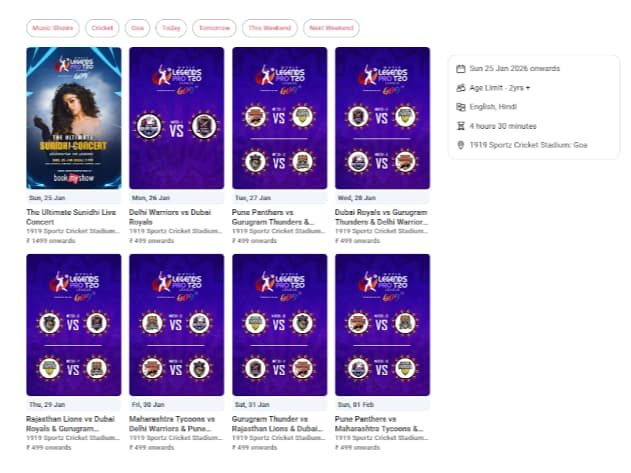
Step 3: On the event page, you will see a list of match dates and fixtures. Choose the match you wish to attend based on your availability.
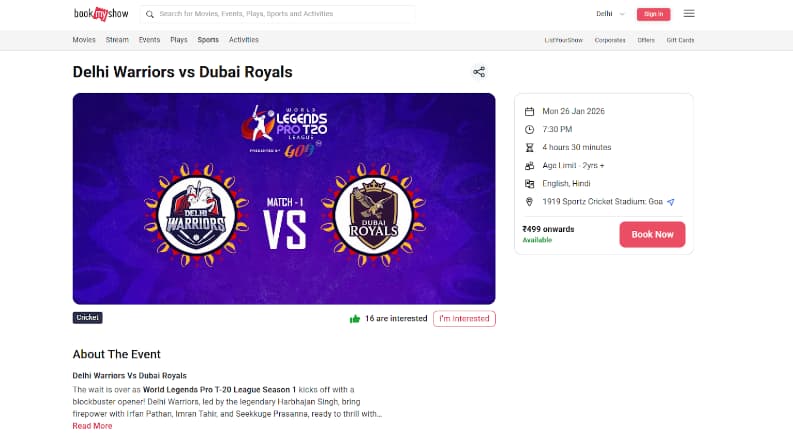
Step 4: Select your preferred seating category from the available options. Remember, after booking tickets, first-come fans will receive a seat. Choose how many tickets you want to book, keeping in mind that you can book up to 10 per user.
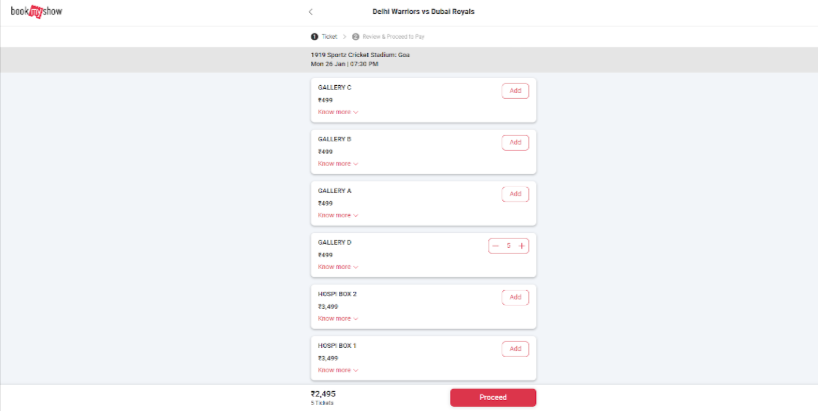
Step 5: Carefully check all details, including match date, ticket category, number of tickets, and total price, before moving to payment.
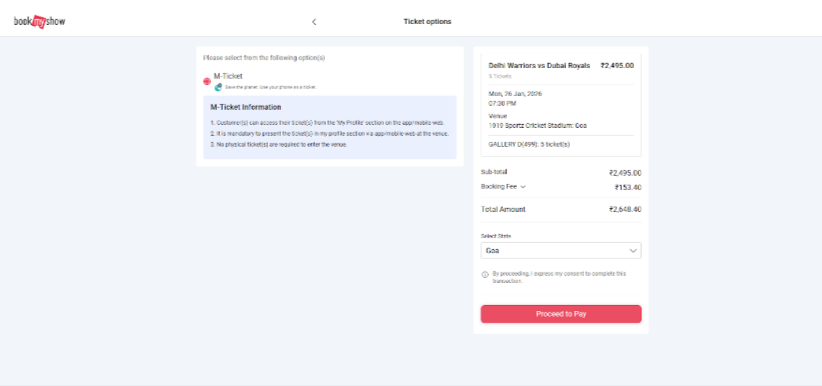
Step 6: Proceed to payment and complete the transaction using UPI, debit card, credit card, net banking, or wallet options. Once the payment is successful, your booking confirmation and e-ticket will be sent via SMS or email.
Tips to Download Tickets for Legends Pro T20 League
Here are simple and useful tips to download your tickets and attend the stadium:
- Always download your e-ticket from the BookMyShow app or email it to yourself before match day to avoid network issues at the venue.
- Keep a government-approved photo ID with you, as security staff may ask for it during entry.
- Arrive at least 60–90 minutes before the match to complete security checks and find good seating, as seats are first-come, first-served.
- Confirm the entry gate assigned to your ticket to avoid confusion at the stadium.
- Avoid carrying restricted items like outside food, bottles, or sharp objects to ensure hassle-free entry.
- Make sure your mobile phone has enough battery so you can show the digital ticket at the entry gate.